PitDrop - Pick a pit. Outsmart the board.
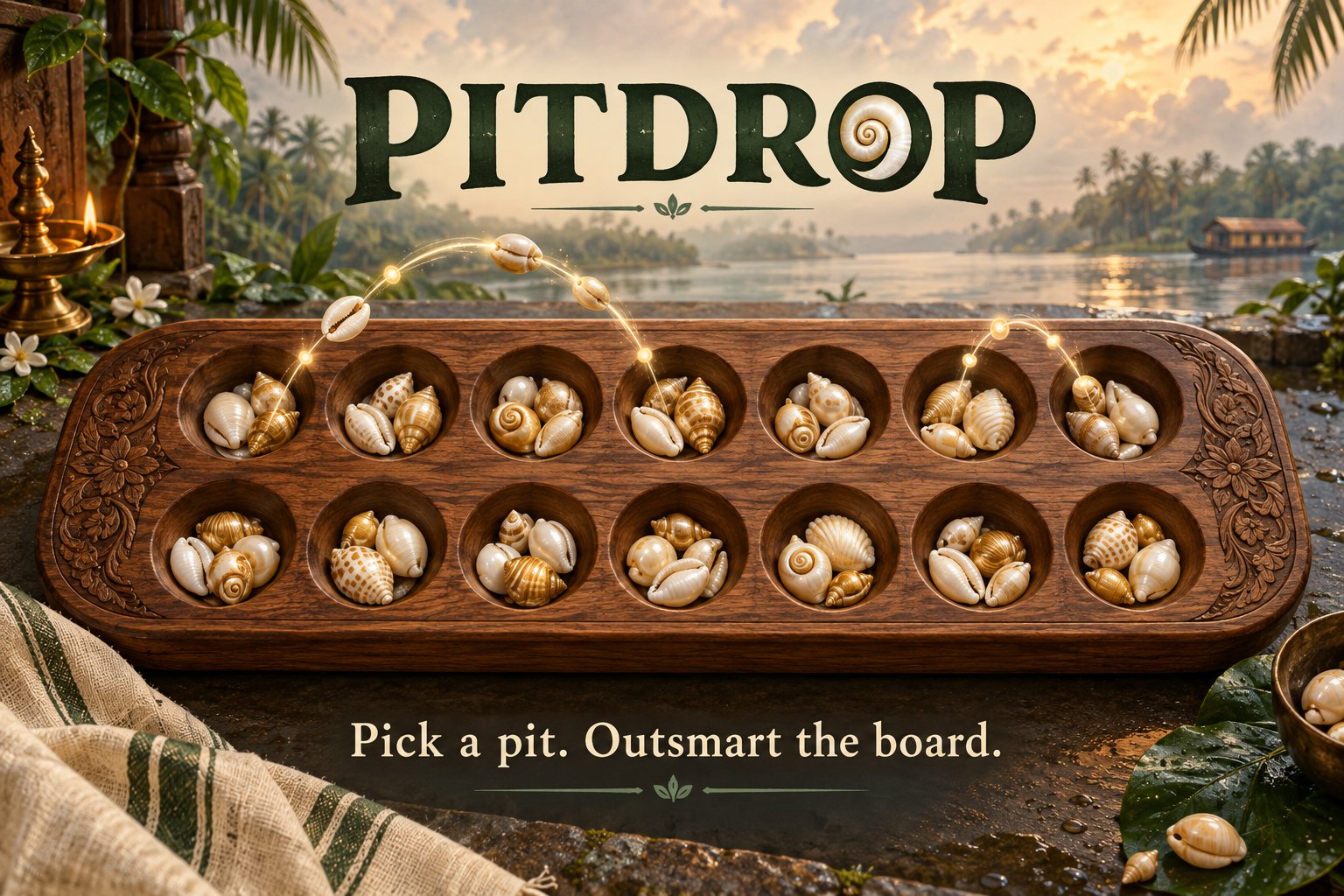
I made PitDrop with HTML, CSS, and JavaScript, with help from AI. It brings a traditional shell-sowing game to the browser. You can play against the computer or a friend, and choose from three board sizes. I learned that explaining old game rules clearly takes care. I was surprised that changing the number of pits or shells can change how the game feels and plays.
Tech stack
- ChatGPT (GPT-5.6 Sol)
- Codex
Links
Prompt
I distilled these from the requests that shaped PitDrop. They’re generalized, copy-ready templates rather than verbatim chat excerpts.

# Reusable Prompts from PitDrop

## 1. Build a Traditional Game Browser MVP

**The prompt**

> Build a playable browser version of **[GAME]** for **[AUDIENCE]**, following **[RULESET OR REFERENCE]** as the source of truth. Core loop: **[DESCRIBE THE PLAYER’S MAIN ACTIONS]**. Include **[PLAY MODES OR KEY FEATURES]**.
>
> Prioritize **[WHAT SHOULD FEEL GOOD: e.g., satisfying moves, clear choices, quick turns]**. Keep the first version focused: **[SCOPE LIMITS, e.g., instant start, no account, no timer, no complex physics]**. Inspect the existing project before changing it, preserve its conventions, and don’t invent rules that aren’t in the supplied source. Implement the playable version, check its key interactions, then summarize what works and what remains.

**What it produces**

A focused first playable game with the core interaction in place, rather than a broad design document or an overbuilt feature list.

**Why it works**

It pins down the source of truth for the rules, names the experience to optimize, and sets explicit scope limits. That gives the builder useful freedom without inviting unrelated features.

**When to use it**

- Turning a traditional tabletop game into a browser prototype.
- Making a playable demo for a contest or pitch.
- Rebuilding a small game in a new framework while preserving its rules.

**Example input → example output**

*Input:* “Make Kerala-style Pallankuli playable in a browser. Players sow shells one by one, with system and local two-player modes. No accounts or timers; make each move satisfying.”

*Output:* A browser game with two play modes, manual shell sowing, and a clear board—not a multiplayer service or a physics-heavy simulation.

**Context:** Use at the start of a build. Include the actual rules or reference material alongside it.

---

## 2. Make the Tutorial Match the Rules

**The prompt**

> Create or revise a step-by-step walkthrough for **[GAME OR FEATURE]** using the game’s actual rules and implementation as the source of truth. For every step, provide a short title, clear player-facing explanation, and an illustration that accurately reflects the board state being described.
>
> Check the walkthrough’s numbers, direction of movement, starting pit, next pit, capture locations, and resting or unavailable spaces against the implementation. When a rule changes, update the explanation and diagram together. If the game has selectable configurations, make the walkthrough reflect the selected one. Include **[NAVIGATION NEEDS, e.g., back, next, close, reopen]**.

**What it produces**

A guided tutorial whose text and diagrams teach the game the player actually sees, including differences between configurations.

**Why it works**

It treats illustrations as rule-bearing examples, not decoration. Requiring every diagram to match an actual game state catches contradictions that a prose-only review can miss.

**When to use it**

- Adding onboarding to a game with unfamiliar rules.
- Updating a tutorial after mechanics change.
- Supporting multiple board sizes, modes, or difficulty settings.

**Example input → example output**

*Input:* “The tutorial says to sow counterclockwise, but gameplay moves clockwise. The next-drop highlight also starts on the picked pit.”

*Output:* Correct the direction and show the first drop on the next pit in the actual sowing path.

**Context:** This works best in an existing game project. Provide access to the game logic and the current tutorial so the builder can compare them.

---

## 3. Turn Player Confusion Into UX Fixes

**The prompt**

> Review these player observations about **[APP OR GAME]**: **[PASTE FEEDBACK]**. Inspect the relevant flow and identify what is causing each point of confusion. Separate rules or logic problems from visibility and usability problems.
>
> Implement the smallest focused changes that address the feedback. Preserve the existing mechanics unless the feedback explicitly asks to change them. Make important state visible at the moment it matters, give players clear feedback when an action is invalid, and keep messages specific to the event. Then summarize what changed and any remaining ambiguity.

**What it produces**

Targeted interface changes tied to real player behavior, such as clearer turn status, useful invalid-action feedback, or more visible capture results.

**Why it works**

It asks the builder to trace feedback to the point in the flow where confusion happens, then fix that point directly. It also protects game mechanics from being changed just to solve a presentation problem.

**When to use it**

- After observing someone play without coaching.
- When players repeatedly ask whose turn it is or what a control does.
- When important events happen but are easy to miss.

**Example input → example output**

*Input:* “Players can’t tell whose turn it is; clicking the opponent’s row does nothing; the AI moves too quickly; captured pits are hard to identify.”

*Output:* A prominent turn indicator, a concise wrong-row message, slower AI animation, and a highlighted list of the pits involved in a capture.

**Context:** Give this prompt to the builder working in the existing codebase, along with concrete observations rather than general reactions like “it feels confusing.”

---

## 4. Explore Variants One Change at a Time

**The prompt**

> Help me make **[FAMILIAR GAME OR PRODUCT]** feel meaningfully new without losing what people recognize about it. Compare these possible changes: **[LIST PARAMETERS OR RULE CHANGES]**.
>
> For each option, explain the likely effect on **[RELEVANT MEASURES, e.g., choice density, turn length, capture frequency, match duration, difficulty]**. Identify hidden rule interactions such as **[DOMAIN-SPECIFIC EFFECTS]**. Change one variable at a time, preserve the original as a baseline, and label experiments clearly. Recommend a small set of variants and suggest what to observe in playtests; distinguish predictions from things that require testing.

**What it produces**

A comparison of game variants that connects rule changes to likely strategic and pacing effects, plus a practical plan for trying them.

**Why it works**

It treats originality as a testable change in play, rather than a cosmetic reskin. Keeping the original as a baseline and changing one variable at a time makes it easier to tell which change affected the experience.

**When to use it**

- Exploring originality for a familiar game.
- Deciding whether to change board size, resources, or turn structure.
- Planning a small playtest before committing to a new ruleset.

**Example input → example output**

*Input:* “Compare 7 pits with 5 shells each, 7 pits with 7 each, and 5 pits with 5 each. Keep the same win condition.”

*Output:* A three-board comparison that explains how each setup might affect sowing, choices, refills, and match length—while treating playtest results as unknown until tested.2 likes · 1 comment · 1 view
Comments (1)
This one looks like a lot fun man. Thanks for sharing this, I'm going to really learn how to play. The website looks great too!