Built Pixlit
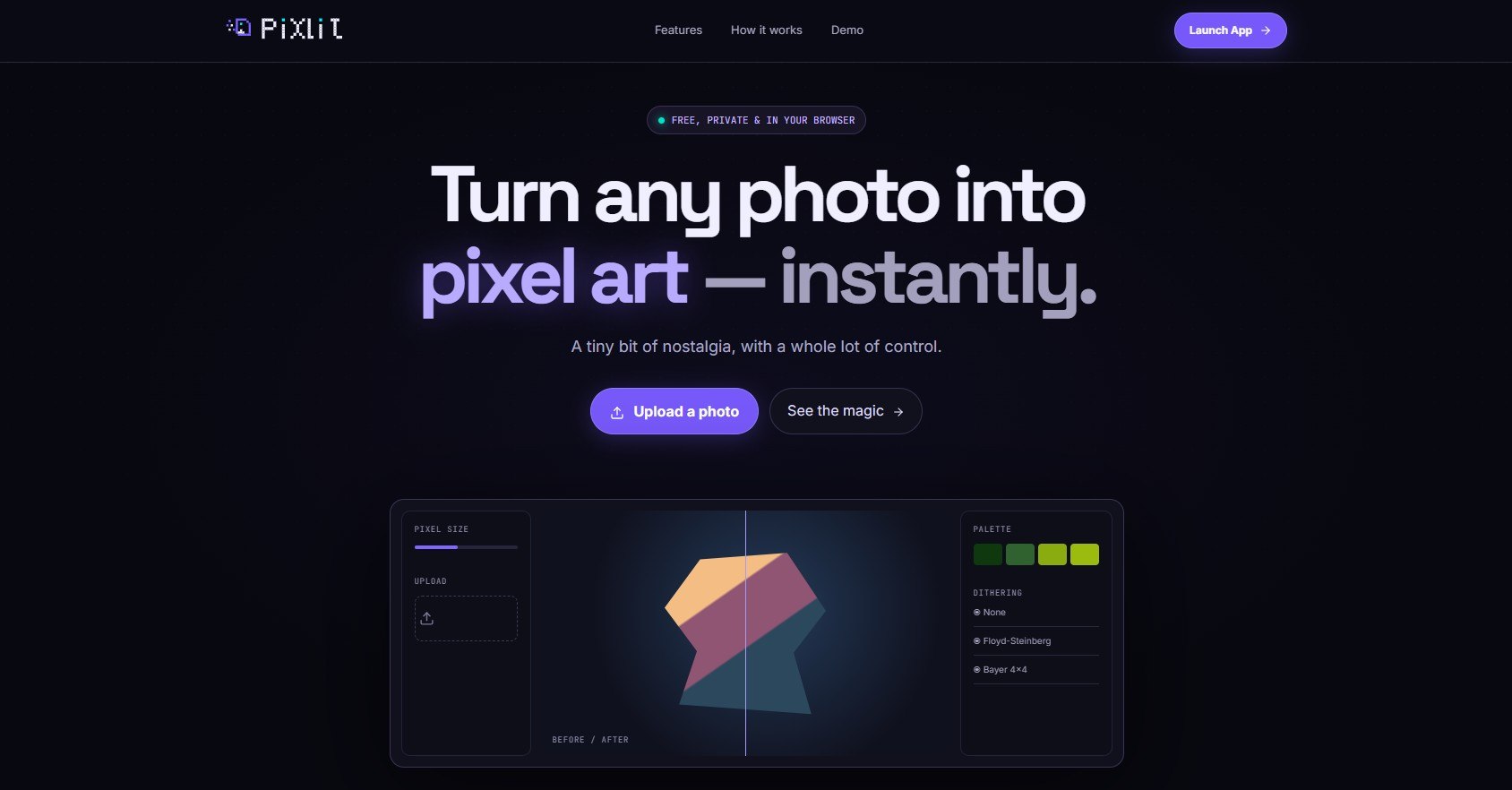
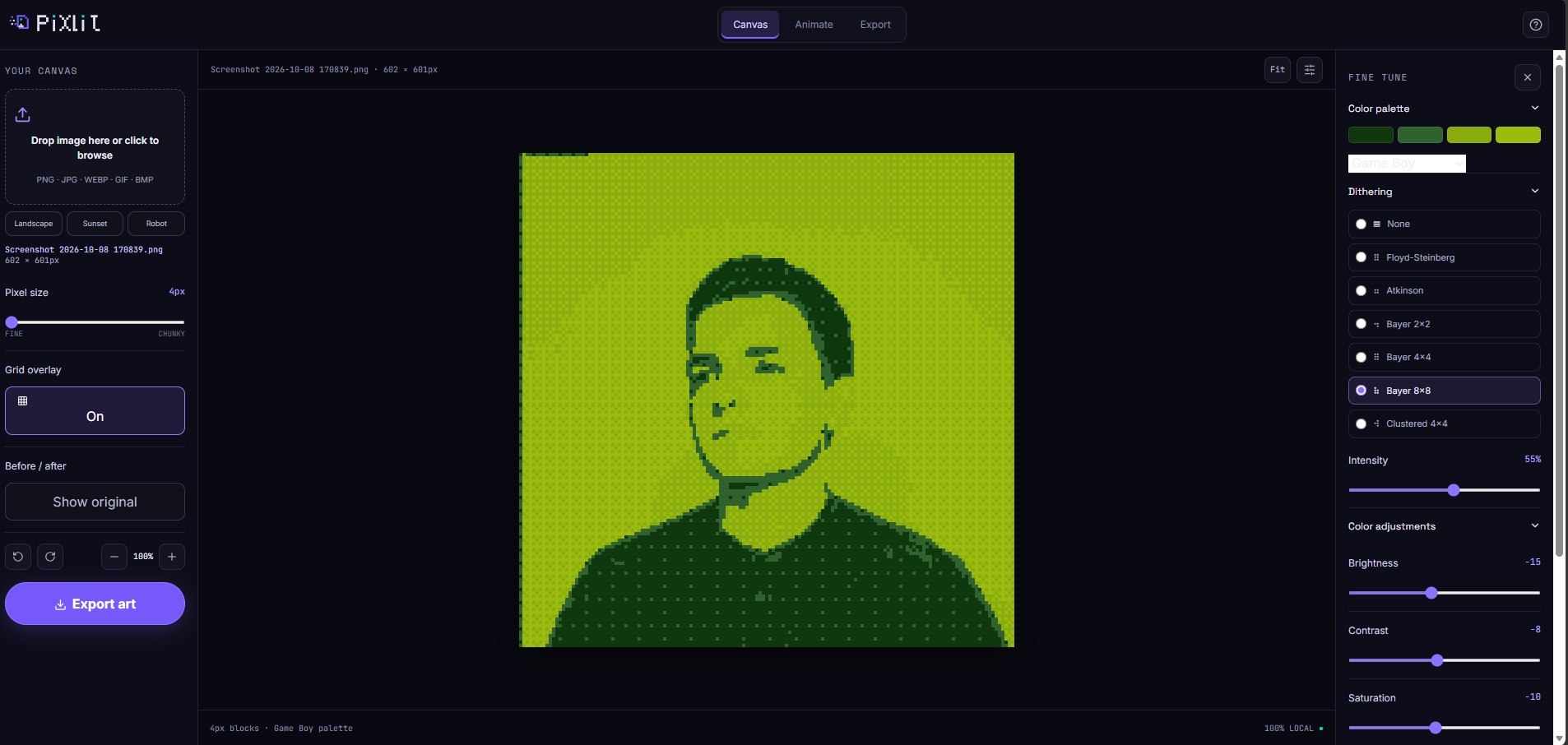
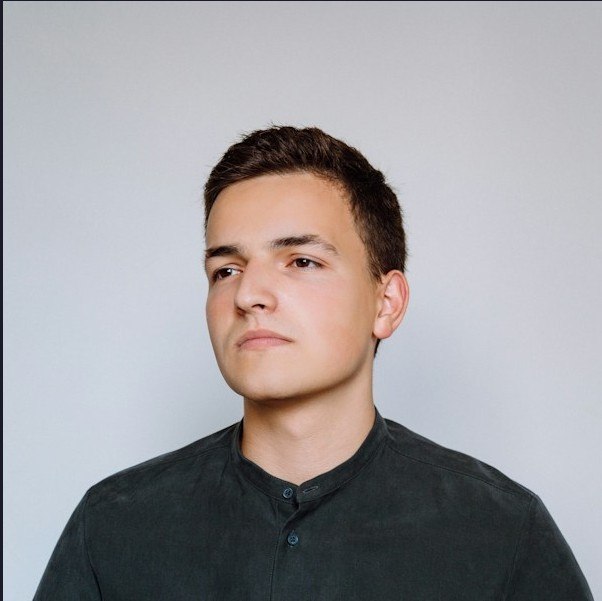
Pixlit is a free pixel art converter that runs entirely in the browser. You drop in a photo, pick a look, and download retro pixel art or a sprite sheet. Nothing is uploaded and there are no accounts.
How it works Drop in a photo. Drag and drop any image. It stays in your browser. Make it yours. Set the pixel size, choose a palette (Game Boy, NES, C64, Synthwave, Vaporwave, Monochrome), and add dithering (None, Floyd-Steinberg, Atkinson or Bayer). Take it anywhere. Download a PNG, export a sprite sheet, or build a simple walk cycle.
How to navigate Top bar: Features, How it works and Demo scroll down the landing page. Launch App opens the full workspace at /app. Hero buttons: "Upload a photo" goes straight to the app, and "See the magic" jumps to the demo. Demo section: a quick preview with a pixel-size slider and palette buttons. It runs locally, so you can try it before opening the app. Footer: links to About (/about) and Privacy (/privacy).
Tech stack
- Claude
- Vercel
Links
Prompt
You're a senior front-end developer. I want you to build this app from scratch, exactly as described below.

PROJECT:
Pixlit is a free pixel art converter that runs entirely in the browser. The user drops in a photo, picks a pixel size, palette and dithering style, then downloads a PNG or a sprite sheet. An animation mode adds simple walk-cycle motion and exports a GIF. Nothing is uploaded to a server and there are no accounts.

TECH STACK:
- Next.js (App Router)
- TypeScript
- Tailwind CSS
- HTML Canvas API for all image processing
- A small GIF encoder library (gif.js or gifenc) for GIF export
- Web Workers only if large images make the UI lag
- Deploy on Vercel's free tier
- No database, no backend, no API keys

CORE FEATURES:
1. Photo input: drag and drop, file browse, paste from clipboard, and camera capture on mobile
2. Pixel size presets: 16, 32, 64, 128
3. Palettes: Game Boy, NES, PICO-8, C64, CGA, plus a custom palette (color pickers and hex-list import)
4. Auto-extract a palette from the uploaded photo, with a color-count limit
5. Dithering: None, Floyd-Steinberg, Bayer 4x4, Atkinson
6. Before/after slider
7. Export PNG at 1x to 16x scale, with transparent background option
8. Sprite-sheet export (frames tiled in one PNG)
9. Animation mode, procedural: bob, sway, squash and hop presets with 2 to 8 frames and adjustable speed
10. Animation mode, sprite upload: the user uploads their own walk-cycle frames, and Pixlit pixelates them, applies the palette and animates them
11. GIF export of the animation

UI/UX:
- Design: Game Boy look mixed with a clean modern layout. Use the 4 Game Boy greens (#0f380f, #306230, #8bac0f, #9bbc0f) as accents on an off-white background (#f1f5e1). Minimal controls, so the pixel art is the focus.
- No gradients, glows, sparkles or generic AI-looking icons. Flat colors, square corners, hard pixel-offset shadows.
- Fonts: DM Sans for text, DM Mono for small labels.
- Logo: a hand-built pixel "P" monogram made of SVG squares in the dark green with one light-green accent pixel, next to a lowercase "pixlit" wordmark. It must stay readable at 16px for the favicon. It must not look AI-generated or templated.
- Landing page background: faint, semi-transparent pixel clusters scattered around the edges, leaving the center clear.
- Hero card: a window with a title bar ("sprite.png · 64×64 · Game Boy"), a dithered pixel scene with a small walking character, a 4-frame walk-cycle strip along the bottom, and a hard pixel-offset shadow.
- Mobile-first and fully responsive, with touch-friendly buttons (at least 44px tall).

PAGES:
1. Landing page (a complete page, not just a hero): navigation bar, hero with headline "Turn any photo into pixel art.", how it works (3 steps), palette showcase with before/after, six-item feature grid, FAQ, and footer with the line "Free · Private · Runs in your browser"
2. Editor: left control panel (upload area, pixel size, palette, dithering), a large preview with before/after, and an Export PNG button
3. Animation studio: motion presets, frame count, speed, a checkerboard preview that plays the animation, a frame timeline, and Export GIF and Sprite sheet buttons
4. Small About and Privacy pages

FUNCTIONAL REQUIREMENTS:
- Downscale the photo to the chosen grid, map each pixel to the nearest palette color, apply the chosen dithering, then scale back up with nearest-neighbor (no smoothing)
- The preview updates live when any control changes
- The Editor's sprite, palette and dithering carry over into the Animation studio
- Limit input size (for example 4000px on the longest side) and fix EXIF rotation on phone photos
- Show clear messages for unsupported files, camera permission denied, and invalid hex colors
- Everything runs locally. Photos are never uploaded.
- Basic accessibility: labels on all controls, visible focus states, alt text and aria-labels on images and logos

IMPORTANT CONSTRAINTS:
- Keep the architecture simple.
- Don't add unnecessary dependencies.
- Reuse existing components where possible.
- Don't create files that aren't necessary.
- Handle errors properly.
- Make the UI responsive.

IMPLEMENTATION:
1. Inspect the current directory first.
2. If the project doesn't exist, initialize it.
3. Implement the application.
4. Install only necessary dependencies.
5. Run the appropriate tests/type checks/linting.
6. Fix problems you encounter.
7. Review the final implementation for unnecessary complexity.
8. Give me a concise summary of what you built and how to run it.

Start implementing now.
3 likes