Built signa
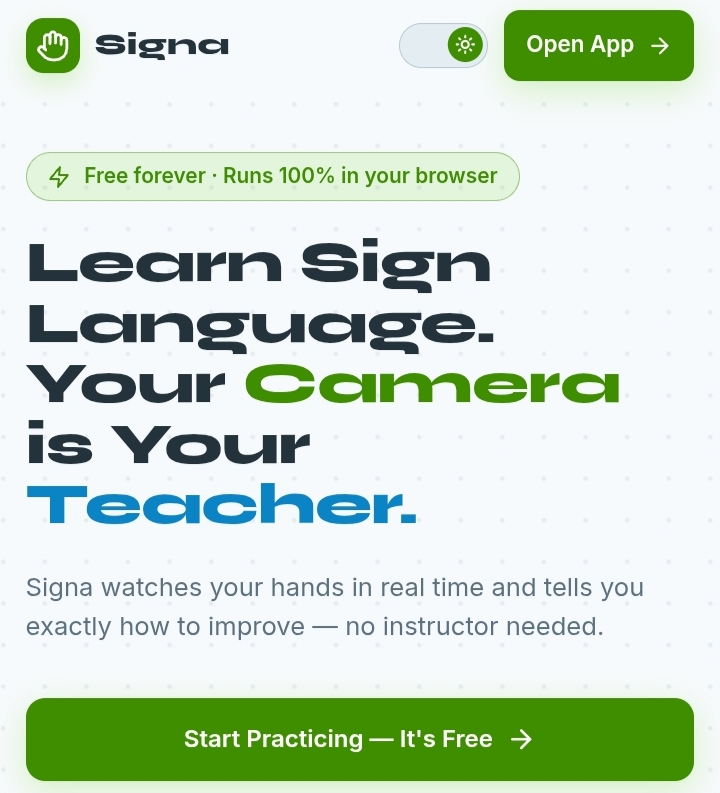
Signa is a free sign language practice booth that runs entirely in your browser. Your webcam tracks your hand in real time and coaches you through the A-Z fingerspelling alphabet, one tip at a time. There's no account and no install, and your video never leaves your device.
How it works Point your camera. Open Signa and allow camera access. Try the sign. Follow Siggy's animated guide hand next to your own feed. Signa tracks 21 landmarks on your hand and draws the skeleton over the video. Get feedback. You see a live score per finger and fix your weakest point first. You earn stars and mastery (90%+ twice) and keep a daily streak.
How to navigate Landing page: "How it works" and "Features" in the top bar jump to those sections. "Open App" or "Start Practicing" takes you into the booth. Modules: The alphabet is split into five modules, from your first five signs up to the tricky ones. Quizzes from memory unlock each next module. Practicing: Pick a sign, copy Siggy's guide, and hold the shape. Fix the tip on screen and the next one appears. Progress: The mastery tracker shows green for mastered and yellow for still learning. The streak calendar lets you tap any day to see what you practiced
Tech stack
- Claude
- Vercel
Links
Prompt
You're a full-stack developer who has built real-time computer vision apps in the browser. I want you to build this app from scratch, end to end.

PROJECT:
Signa is a free sign language practice booth that runs 100% in the browser. The user's webcam watches their hand using MediaPipe hand tracking, compares it to the target sign, and gives instant per-finger feedback. It teaches the ASL fingerspelling alphabet (A-Z) in unlockable modules and tracks which signs the user has mastered. No account, no install, no uploads. Video never leaves the device.

TECH STACK:
- Next.js (App Router)
- TypeScript
- Tailwind CSS
- @mediapipe/tasks-vision (Hand Landmarker, runs in the browser)
- localStorage for all progress (no database, no backend)
- Deploy on Vercel free tier

CORE FEATURES:
1. Live hand tracking: webcam feed with the 21-landmark hand skeleton drawn over it.
2. Sign checking: compare the user's hand to the target letter and give a live score (0-100%) plus a score per finger.
3. Instant feedback: show one tip at a time, always the weakest finger first (e.g. "Curl your index finger down into your palm"). When it's fixed, the next tip appears.
4. Guide hand: an animated example of the target sign shown beside the camera feed.
5. Fingerspelling curriculum: A-Z split into 5 modules, from the 5 easiest signs to the tricky ones (A/S/T/M/N, U/V/R, J and Z).
6. Mastery tracker: a sign is "mastered" (green) after scoring 90%+ twice. "Learning" is yellow. Not tried is grey.
7. Module unlocking: a short quiz from memory (show the letter, user signs it without the guide) unlocks the next module.
8. Streak calendar: one practice session a day keeps the streak. Tap a day to see what was practiced.
9. Coach character "Siggy": reacts to each attempt (thinking, encouraging, celebrating).

UI/UX:
- Dark, friendly, game-like look (dark teal/navy background, bright green accents), similar to a language-learning app.
- Mobile-first, since most people practice on a phone.
- Large camera view with a clear score ring and a single tip line below it.
- Simple setup screen before the first practice: camera permission, lighting tip, "hold your hand in the frame" tip.
- Smooth, subtle animations for success, stars, and streaks. Nothing heavy.

PAGES:
1. Landing page (headline, how it works in 3 steps, features, "Start Practicing" button, stats like signs taught and landmarks tracked)
2. Practice booth (camera, guide hand, score, tip, Siggy)
3. Learn / modules (A-Z in 5 modules, locked and unlocked states)
4. Quiz (from-memory check that unlocks the next module)
5. Progress (mastery grid, streak calendar, stars)
6. Settings (reset progress, choose camera, mirror toggle, left/right hand)

FUNCTIONAL REQUIREMENTS:
- Load the Hand Landmarker model once and run detection with requestAnimationFrame. Use the GPU delegate with a CPU fallback.
- Normalize landmarks (translate to the wrist, scale by hand size) so scoring doesn't depend on distance or position.
- Score each sign using finger states (extended or curled), joint angles, and fingertip distances against a template per letter. Keep templates in one data file that is easy to tune.
- Require the correct shape to be held steadily for about 1 second before counting an attempt.
- Handle mirrored video and both left and right hands.
- J and Z need motion. Track the fingertip path over several frames and match it to a simple trajectory template. Build the static letters first and add these last.
- Save progress (attempts, best scores, mastered signs, unlocked modules, streak days) in localStorage with a simple versioned schema.
- Handle errors properly: camera denied, no camera found, model failed to load, no hand detected, low confidence. Show a clear message and a retry action for each.
- Stop the camera stream when leaving the practice page.

IMPORTANT CONSTRAINTS:
- Keep the architecture simple.
- Don't add unnecessary dependencies.
- Reuse existing components where possible.
- Don't create files that aren't necessary.
- Handle errors properly.
- Make the UI responsive.
- No server, no database, no accounts, no video uploads. Everything stays on the device.
- Add a small note that Signa is a practice companion, best paired with Deaf teachers and community.

IMPLEMENTATION:
1. Inspect the current directory first.
2. If the project doesn't exist, initialize it.
3. Implement the application.
4. Install only necessary dependencies.
5. Run the appropriate tests/type checks/linting.
6. Fix problems you encounter.
7. Review the final implementation for unnecessary complexity.
8. Give me a concise summary of what you built and how to run it.

Start implementing now.
1 like