Quiet Lantern 🎃
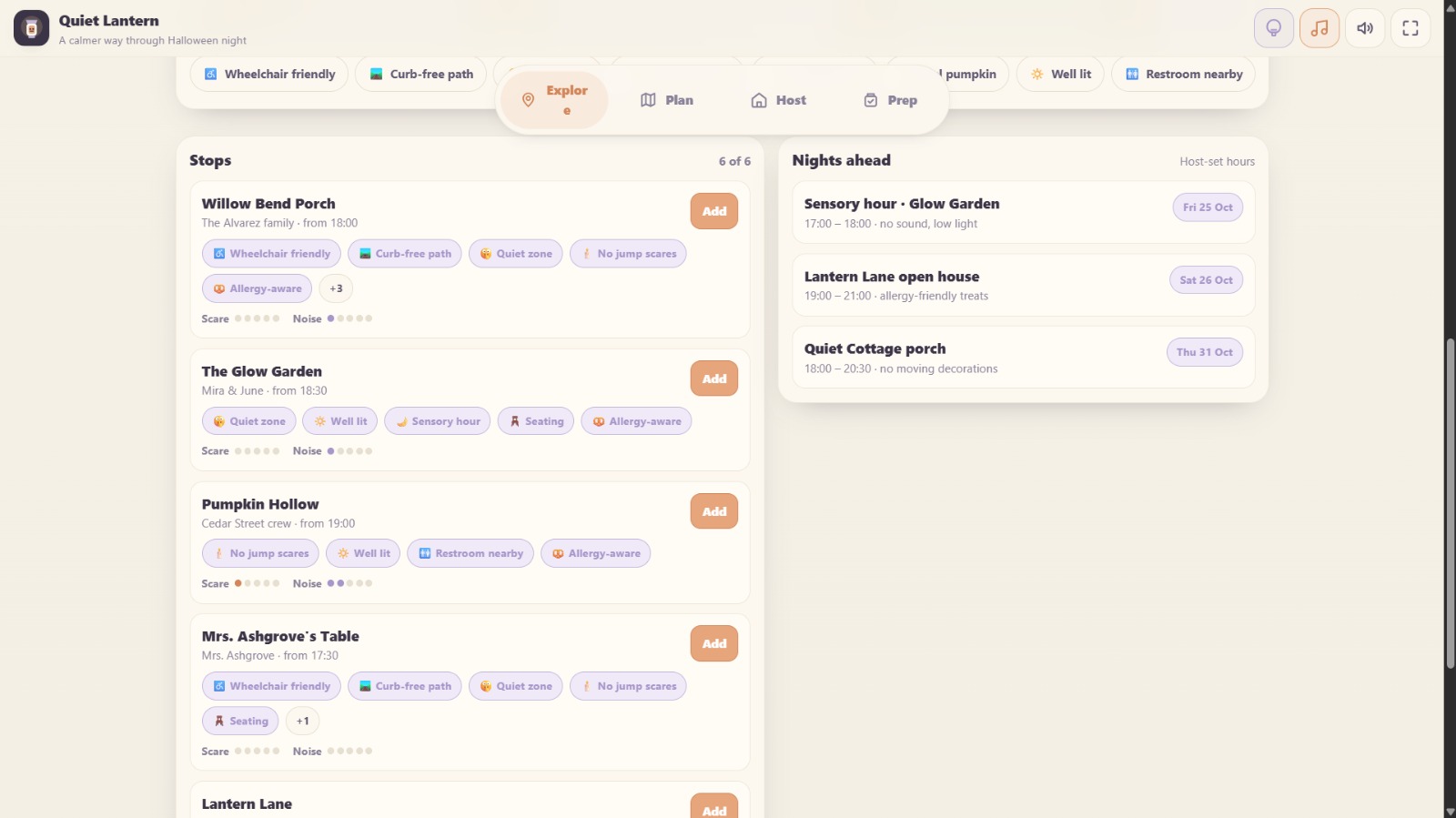
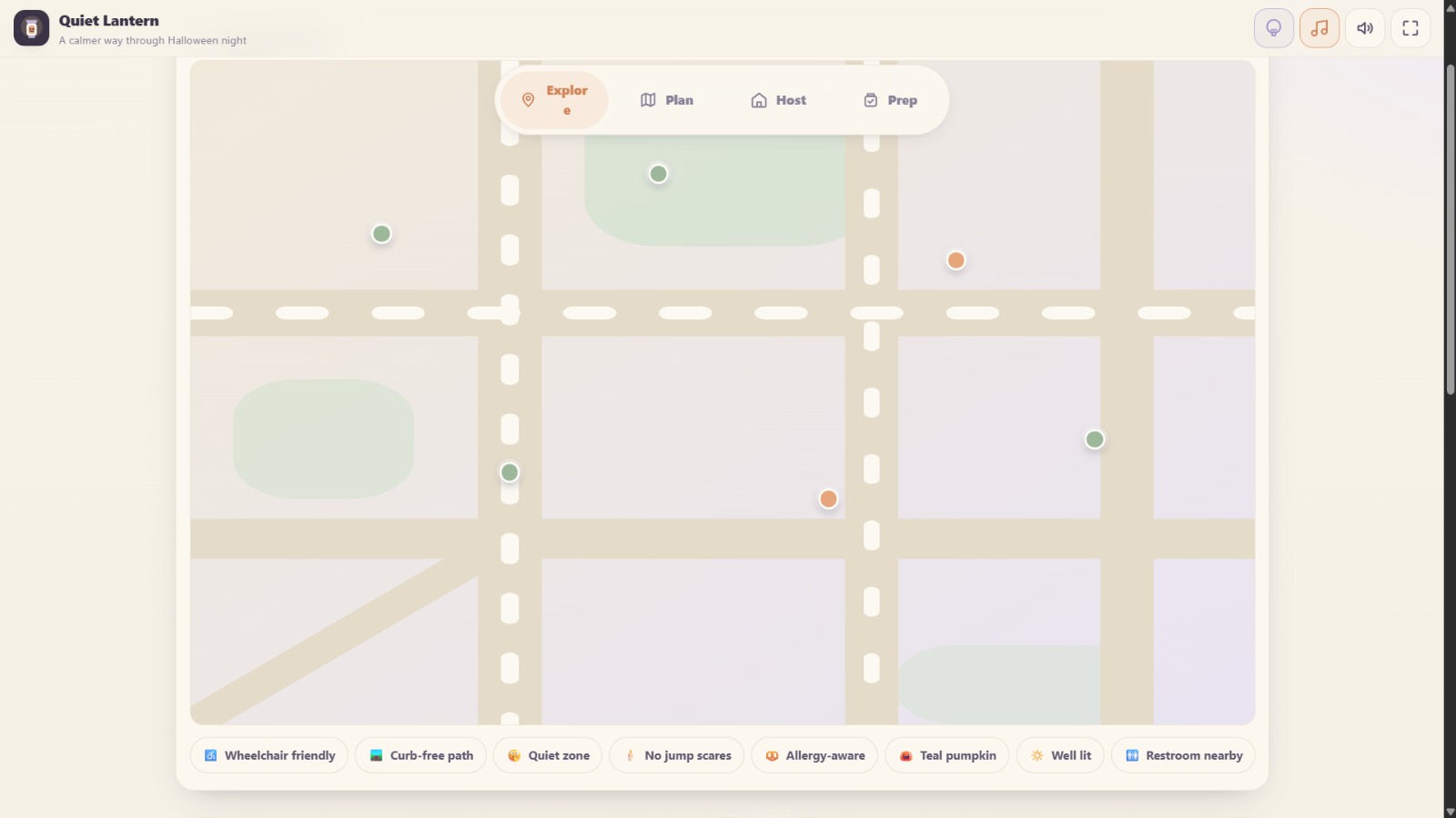
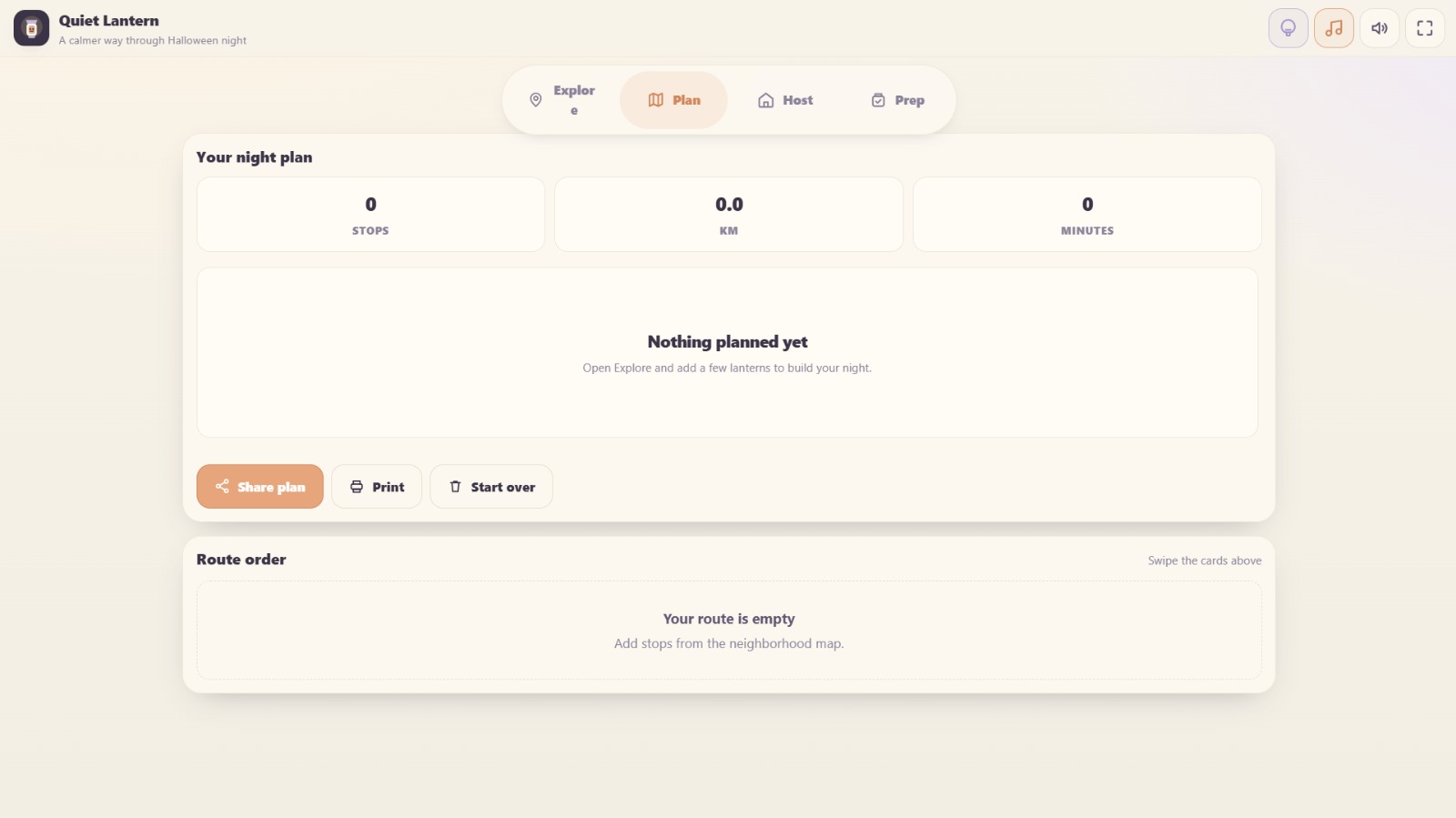
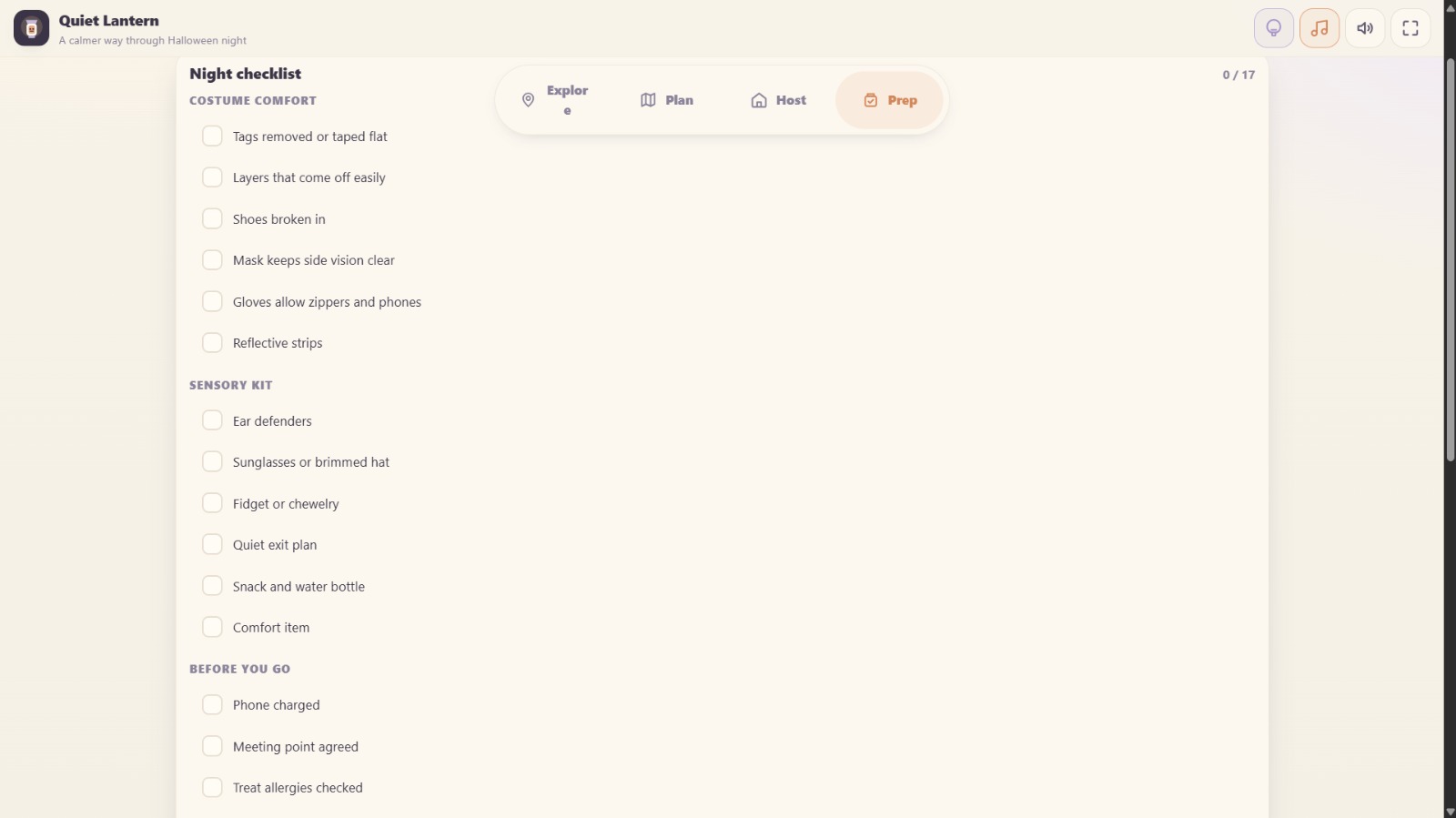
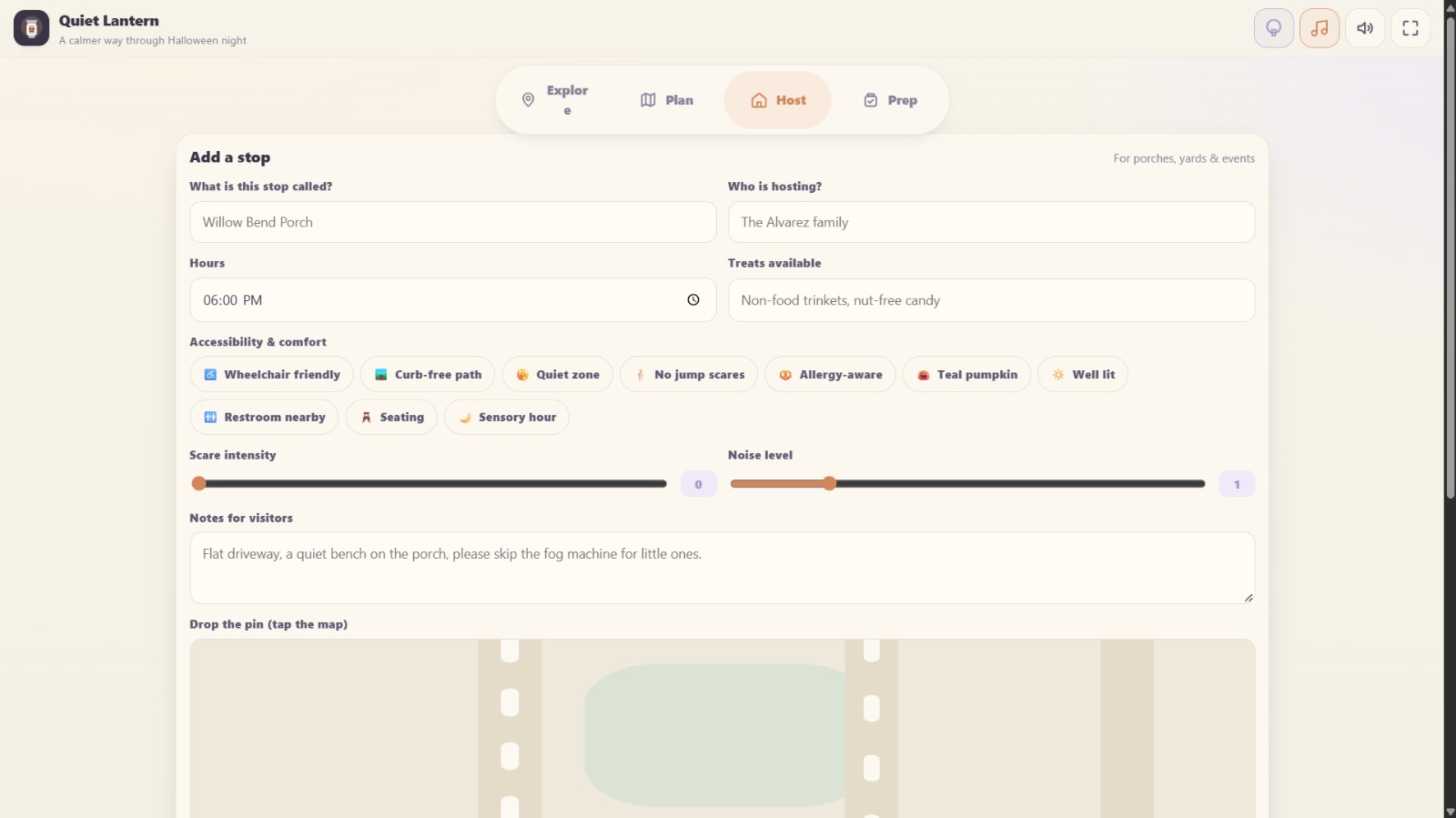
Halloween can get super loud and spooky. This little website is here to help you plan a much calmer night for you and your family. You can look at a cozy map to find houses that are quiet and easy to walk to. Just tap to add them to your plan and it shows you how far you have to go. If you are handing out candy you can put your own house on the map too and let everyone know if you are a quiet stop. It also gives you a handy list of things to pack and printable signs for your door. Let us all have a peaceful and fun night.
Tech stack
- ChatGPT
- Vercel
- Gemini
Links
Prompt
Role & Persona:
You are an award-winning Creative Director and a Senior Frontend Engineer. Your task is to build an immersive, fully responsive Single-Page Application (SPA) from scratch based on the detailed brief below.

Project Name: Quiet Lantern
Concept: A sensory-friendly Halloween route planner and community map. It helps families find accessible, quiet trick-or-treat stops and plan a gentler night.

The Vibe (Cozy Cryptid / Vintage Autumn Journal):
Do not make this look like a standard modern tech app. The visual identity must feel like a rustic, vintage field journal discovered in a cozy cabin in the woods.

Colors: Deep forest green, warm mahogany, burnt orange, aged parchment (off-white/cream), and charcoal ink.

Typography: A classic, elegant serif font for headings (like Lora or Merriweather) paired with a highly readable, warm sans-serif for the body.

UI Elements: Use soft, warm candlelight glows for active states. Use slightly irregular, tactile shapes (like torn paper edges or smooth wood textures) rather than harsh digital rectangles. Subtle paper grain or noise textures in the background.

Animations: Slow, deliberate, and smooth. Elements should fade in as if illuminated by a lantern. Page transitions should feel like turning a page in a heavy book.

Layout & Navigation:

Header (Sticky): A warm, rustic top bar containing the brand logo (a glowing vintage lantern SVG) and utility icon buttons:

Demo Data Toggle: Loads or clears sample map data (Ghost or Owl icon).

Ambient Audio Toggle: Plays a synthesized, warm, rhythmic background track (Music Note icon).

UI Sound Toggle: Enables/disables interaction sounds (Speaker icon).

Fullscreen Toggle: Expands the view (Expand icon).

Navigation: A floating, slightly elevated dock at the bottom of the screen (or top on desktop) with 4 distinct sections: Atlas, Route, Host, Prep. Active states use a warm amber glow.

Main Content: Scrolls smoothly underneath the fixed navigation.

Core Sections & User Journey:

The Atlas (Map & Explore):

A custom, dark-mode SVG map of a neighborhood. Safe houses glow warmly like lanterns in the dark.

Filter chips for accessibility (Wheelchair, Teal Pumpkin, Quiet Zone). Filtering dims the non-matching lanterns.

A detailed list of stops showing host names, hours, and a "Scare/Noise" meter represented by vintage dots or icons.

The Route (Plan):

Calculates walking distance and time.

Displays the selected stops as a swipeable, page-turning carousel.

Buttons to reorder stops, remove them, share the plan (via URL or Web Share API), and print a beautifully formatted night itinerary.

The Hearth (Host):

A form to add a new safe haven.

Inputs for stop name, host, hours, treats, and notes.

Multi-select tags for sensory comforts.

Sliders for Scare and Noise levels.

A mini-map where users tap to drop their glowing pin.

The Ritual (Prep):

An interactive sensory and costume checklist (saved to LocalStorage).

A weather helper dropdown that dynamically offers advice.

A printable door sign generator (e.g., "Quiet Stop: No jump scares here").

Technical Requirements & Audio Engine:

Architecture: Write clean, modular HTML, CSS, and Vanilla JavaScript. Do NOT output a single monolithic HTML file; separate the logic, styles, and structure clearly.

PWA & Storage: Use localStorage to persist user data (added stops, route, checklist, audio state). Include a dynamic Web Manifest (via Blob URL) so it is installable as a PWA. The browser tab icon must be a glowing lantern SVG.

Synthesized Audio (Crucial): Do NOT use external .mp3 files. Build a custom audio engine using the Web Audio API.

UI Sounds: Soft, acoustic-style clicks (like a wooden block or soft pluck) for interactions.

Background Music: A warm, rhythmic "autumn night" track at ~80 BPM. Use a gentle bass pluck, soft woodblock percussion, and an echoing, resonant celesta/bell melody. Add a subtle vinyl crackle effect using a low-pass filtered noise buffer. It must fade in/out smoothly and NOT be harsh or annoying.

Utilities:

The UI must be flawless on mobile (no horizontal scrolling).

Do not display text like "private, free, no accounts, offline" in the UI.

Ensure complex interactions (like form submissions, map clicking, and route reordering) work flawlessly without page reloads.
4 likes